Anonymization Pipeline
Overview
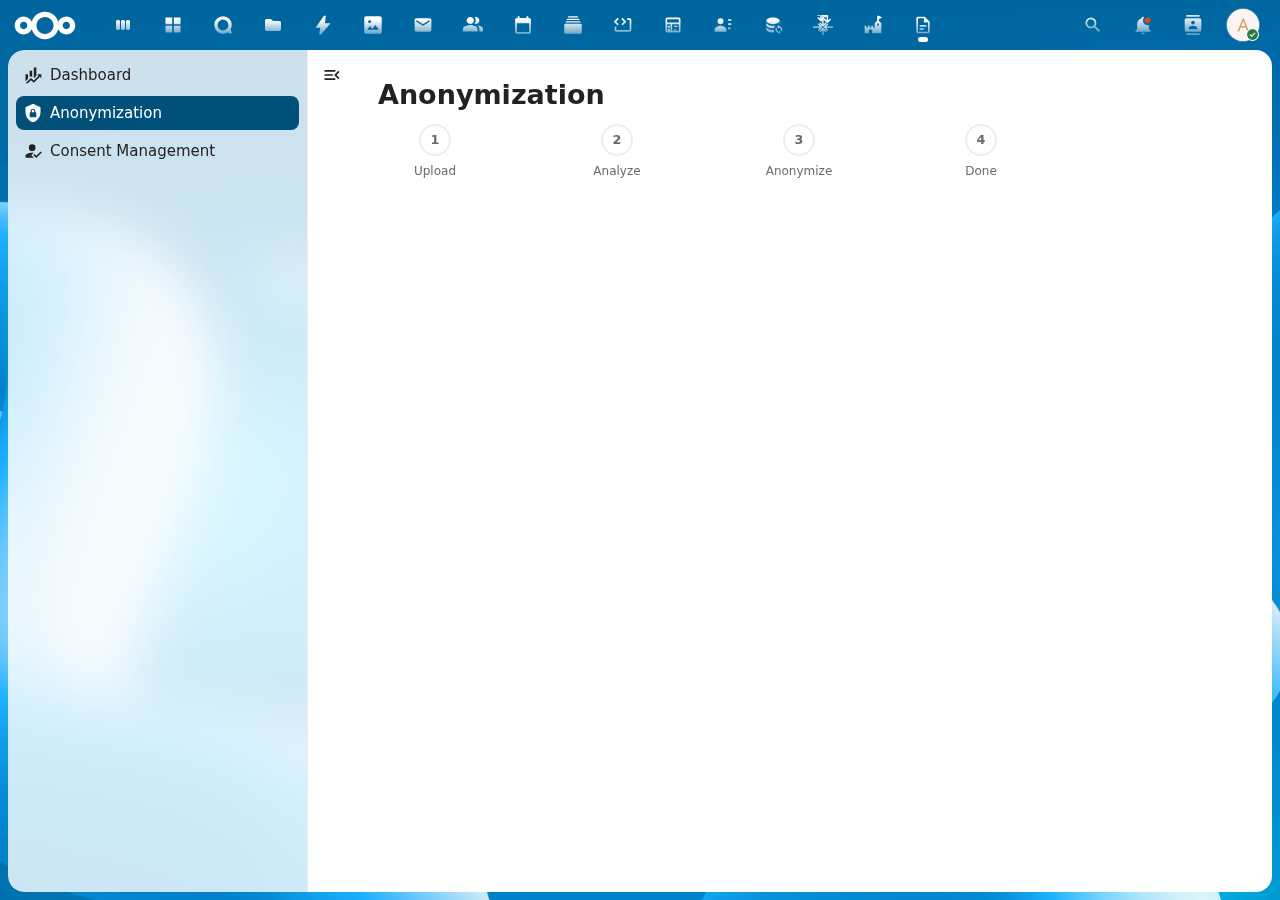
DocuDesk provides a 4-step document anonymization pipeline for GDPR-compliant processing. Files are uploaded to a per-user DocuDesk folder, analyzed for personally identifiable information (PII), and anonymized by replacing detected entities with placeholders. All processing runs 100% locally.
Pipeline Steps
- Upload: Drag-and-drop or select a file to upload to your DocuDesk/ folder
- Analyze: Extract text and detect entities (persons, organizations, locations, etc.)
- Anonymize: Review detected entities and anonymize the document
- Done: Download the anonymized document
Screenshot
API Endpoints
| Method | URL | Description |
|---|---|---|
| GET | /api/anonymization/files | List processed files with entity counts |
| POST | /api/anonymization/upload | Upload file (multipart form data) |
| POST | /api/anonymization/extract/{fileId} | Extract text and detect entities |
| POST | /api/anonymization/anonymize/{fileId} | Anonymize document |
Technical Details
- Files stored in Nextcloud filesystem under user's
DocuDesk/folder - Entity detection via OpenRegister's TextExtractionService (Presidio/OpenAnonymiser)
- Anonymization via OpenRegister's FileService
- Duplicate file names handled with counter suffix (e.g.,
report_1.pdf)